How to use drum triggers with Ableton Live

Drum pad to MIDI in Ableton Live.

Here is one example showing how you are able to connect drum triggers to play sounds in Ableton Live. This technique is using a Max for Live device which is taking the audio signal produced by a piezo, drum trigger or mic. You can just connect those to your external sound card/interface and you won’t … Read more

Control Track Automations

Track Control Automation for Ableton Live

You want to be able to select tracks automatically? You want to set solo, arm and change the track monitor automatically? Then you should check out my AutoMATE Ableton Live TRACK Control Pack. This pack includes 8 Max for Live devices all about control tracks automations in Ableton Live. I have 2 more Max for … Read more

Enable automations and AutoMATE Pack 2

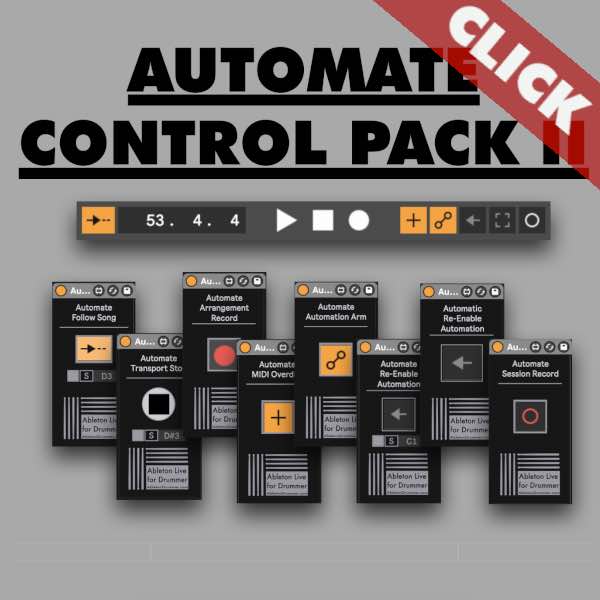
Set automations for Ableton Live Master functions

You can’t automate all functions in Ableton Live natively but you can use Max for Live devices to fix that. Some controls are crucial especially when using Ableton Live for live music performances. You want to be able to Re- Enable Automations function in Ableton Live for parameters you want to change live AND via … Read more

AutoMATE Ableton Live

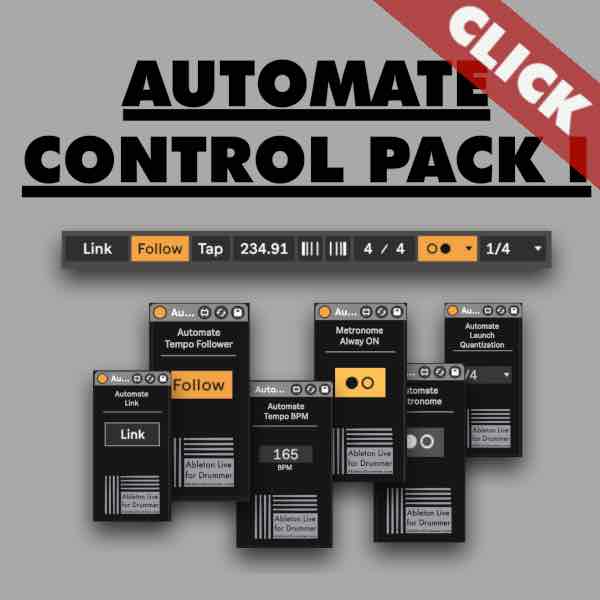
Max for Live devices for automating Ableton Live

Ableton Live is great for live music performances. You can use it to play backing tracks, control your synth patch changes, send changes to other softwares and much more. These are just a few examples for automations via Ableton Live. However some functions and parameters can’t be automated natively in Ableton Live which are actually … Read more

How to quantise in Ableton Live

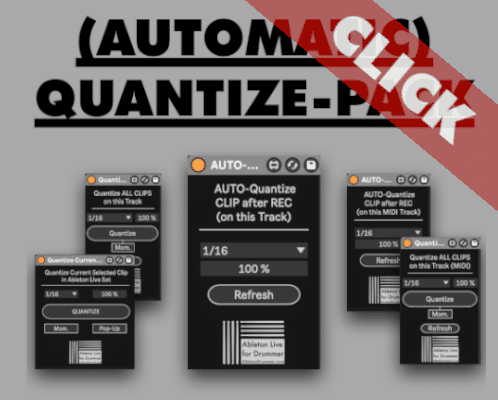
quantise audio and midi in Ableton Live Max for Live pack

Ableton Live is great for live-music performances as it can be build and customised towards the way you need it to. It is easy to record and play back Audio and MIDI. Techniques like live-looping are easy to set up e.g. via my “One Button Live Looper” Max for Live device. If you want to … Read more